

✓ Krosty Shop
Gracias
Gracias por su apoyo con Venezuela y los países que no pueden recargar

Pepito González✓ verified· Venezuela
Sep 18, 2026
Krosty Shop replied: Nuestra vocación siempre ha sido ayudar, facilitar y solucionar!

 35 BRL
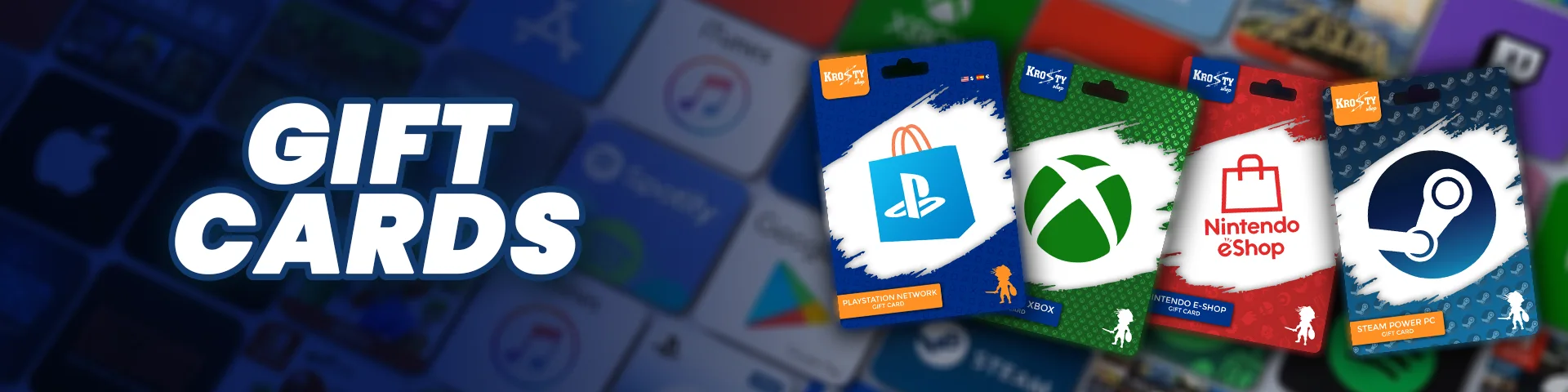
BUY GIFT CARDS > BUY PLAYSTATION NETWORK BRAZIL
Rate PlayStation Network Brazil
Balance for the Brazil PlayStation Store (in reais, BRL): games, add-ons, DLC, pre-orders and PlayStation Plus.
Only for PSN accounts registered in Brazil. A PSN account's region can't be changed: if yours isn't from Brazil, you would have to create another account in that region.
SELECT THE AMOUNT:
GIFT CARD
PRICE
8,93 USDT
≈ Bs. 9.104,05
 Be VIP and pay 8,84 USDT
You can pay with your Krosty balance: the payment is confirmed automatically, with no receipt.
★ 5.0 · 2,054 reviews on Google

 Pay in bolívars (Pago Móvil or transfer) or with another of the methods available in the storeConformity guarantee: if the code arrives invalid, we replace it (tell us within 48 h with a video of the redemption)
Only for PSN accounts registered in Brazil. A PSN account's region can't be changed: if yours isn't from Brazil, you would have to create another account in that region.
Before you buy, confirm your PSN account's current region — that tells you whether it already works or whether you need to create a new account. You can check it from your console, the app or the web.
1. On your console or store.playstation.com → menu → Redeem Code.
2. Enter the 12-digit code.
3. The balance is loaded in reais to your PSN wallet.
You receive your official code by email, usually within minutes once your payment is confirmed, during support hours (8:00 a.m. to 12:00 a.m., Venezuela time). If it arrives invalid or already used, we replace it: tell us within 48 hours with your order number and a video of your first redemption attempt. After that period there is no replacement or refund.
With a PlayStation Gift Card you load balance to your wallet and use that balance to pay for your PlayStation Plus yourself (to start or renew it), no credit card needed. Below we explain the differences between tiers and the official prices per region, so you buy exactly the balance you need.
Essential
The basics for playing online.
Extra
Essential plus a huge catalog to download.
Everything in Essential, plus:
Deluxe / Premium
The most complete experience: classics and trials.
Everything in Extra, plus:
These are the base prices of the plan (before taxes). Use them as a reference for how much balance to load.
| Region / Account | Essential | Extra | Deluxe / Premium |
|---|---|---|---|
| United StatesCurrency: USD |
|
|
|
| SpainCurrency: EUR |
|
|
|
| MexicoCurrency: MXN |
|
|
|
| ColombiaCurrency: USD |
|
|
|
| ArgentinaCurrency: USD |
|
|
|
Deluxe vs. Premium: it is the same top tier. In LATAM (Mexico, Colombia, Argentina) it is called Deluxe and does not include cloud game streaming; in the USA and Spain it is called Premium and does include it.
The card region MUST match your account region
A USA gift card only works on PSN accounts created as USA; a Mexico one only on Mexico accounts, and so on for every region. Before buying, confirm which country your PlayStation account is registered in.
Watch out for taxes on USA accounts
When you buy digital content, PlayStation may charge you a tax based on your account's ZIP code. In some states, such as Texas, Washington or Pennsylvania, roughly 6% to 10% is added to the price. If your account has an address in one of those states, the card's exact balance will not be enough: buy a few extra dollars to cover that tax.
If your USA account's address is in a state with no tax on digital purchases, PlayStation adds no tax to the plan. Some of those states are:
9720119711You can check or change the address under Settings → Account Management → Account Information → Address (PS4) or Settings → Users and Accounts → Account (PS5). With an address in one of those states, the card balance covers the plan's base price.
Yes: it is an official code you receive by email and redeem in your account. Keep the region in mind — Only for PSN accounts registered in Brazil. A PSN account's region can't be changed: if yours isn't from Brazil, you would have to create another account in that region.
On your PS5: Settings → Users and Accounts → Account → Address. On your PS4: Settings → Account Management → Account Information → Address. Sony does not let you change the region after the account is created, so if it does not match the card you want to buy, the only option is to create a new account — check the full guide above with every method (console, app and web).
You receive the official code by email, usually within minutes once the payment is confirmed, during business hours (8:00 a.m. to 12:00 a.m., Venezuela time).
On your console or store.playstation.com → menu → Redeem Code. Enter the code we sent you and the balance becomes available in your account.
In bolívars (Pago Móvil or bank transfer), in cash foreign currency (deposit at the counter), with USDT (TRC20 or BEP20), Binance Pay, Zinli, Kontigo or OKX, or with your Krosty Wallet balance. No international card needed. You pick the method at checkout.
We replace it with an equivalent one if you let us know on WhatsApp or Telegram within 48 hours of delivery, with your order number and a continuous video of the first redemption attempt. Details in our Refund and Warranty Policy.
No one has rated PlayStation Network Brazil yet
Be the first: your opinion helps whoever is deciding.
Customers who already bought this gift card at Krosty Shop.
Gracias por su apoyo con Venezuela y los países que no pueden recargar
Buena es Buena aplicación

He recargado un total de 2 veces en Krosty, es tan fácil y intuitivo que ni siquiera es necesario preguntar en el soporte por qué la página lo explica todo. Son rápidas, menos de 15 minutos y un trato exelente del personal.

Muy buenos, cumplen con lo que ofrecen y entrega rápida😝👍🏻

Excelente servicio, eficaz responsables y seguros 💪🏻💪🏻

Hice mi pedido en Krosty Shop y la experiencia fue increíble. Desde la página web, que es muy fácil de navegar, hasta el momento en que recibí mi pedido. La comunicación fue clara y rápida, y me mantuvieron informado en todo momento sobre el estado de mi envío. Definitivamente volveré a comprar y ya lo estoy recomendando a mis amigos. ¡Sigan así,

Atención al cliente rápida y eficaz. 100% recomendado. La volveré a usar para todas mis compras de steam!!
Complacida por la atención y seguimiento a lo solicitado hasta el logro de la meta... muchas gracias por la amable atención, paciencia, quedo sumamente satisfecha.

Join over 8,074 customers who already bought from us. Your opinion helps other gamers.